

Choosing between the MCHOSE K7 V2 Pro+ and K7 V2 Ultra+ comes down to more than just the model name. Both wireless gaming mice share a powerful performance foundation, but differ in sensor specifications, DPI range, acceleration, LOD adjustment, and design details.
Whether you prioritize competitive gaming performance, more precise sensor customization, or a distinctive desktop aesthetic, understanding these differences can help you choose the version that fits your needs.
K7 V2 Pro+ vs Ultra+: Full Specification Comparison
Both versions share the same core platform, wireless technology, connectivity options, and charging system. The main differences are found in sensor performance, adjustment flexibility, maximum DPI, and exterior finishing.
| Specification | K7 V2 Pro+ | K7 V2 Ultra+ |
|---|---|---|
| Colors | Black / White | Black Gold / White Gold / Blue Gold |
| Recommended Hand Size | Medium to Large | |
| Dimensions | Approx. 127.1 × 63.8 × 39.8 mm | |
| Weight | 59 ± 2 g | |
| Platform | MCHOSE Shadow Hunter Performance Platform | |
| Sensor | PAW3950 | PAW3955 TI |
| Maximum DPI | Up to 42,000 DPI | Up to 50,000 DPI |
| Maximum Acceleration | 50G | 60G |
| LOD Adjustment | 3 Levels | 5 Levels |
| LOD Options | 0.7 / 1 / 2 mm | 0.7 / 0.9 / 1.2 / 1.4 / 1.7 mm |
| MCU | Nordic 54L | |
| Wireless Technology | MCHOSE TOPSPEED Wireless 2.0 | |
| Polling Rate | Up to 8,000 Hz Wired & Wireless | |
| Switches | Omron Mechanical Switches, Rated for 100 Million Clicks | |
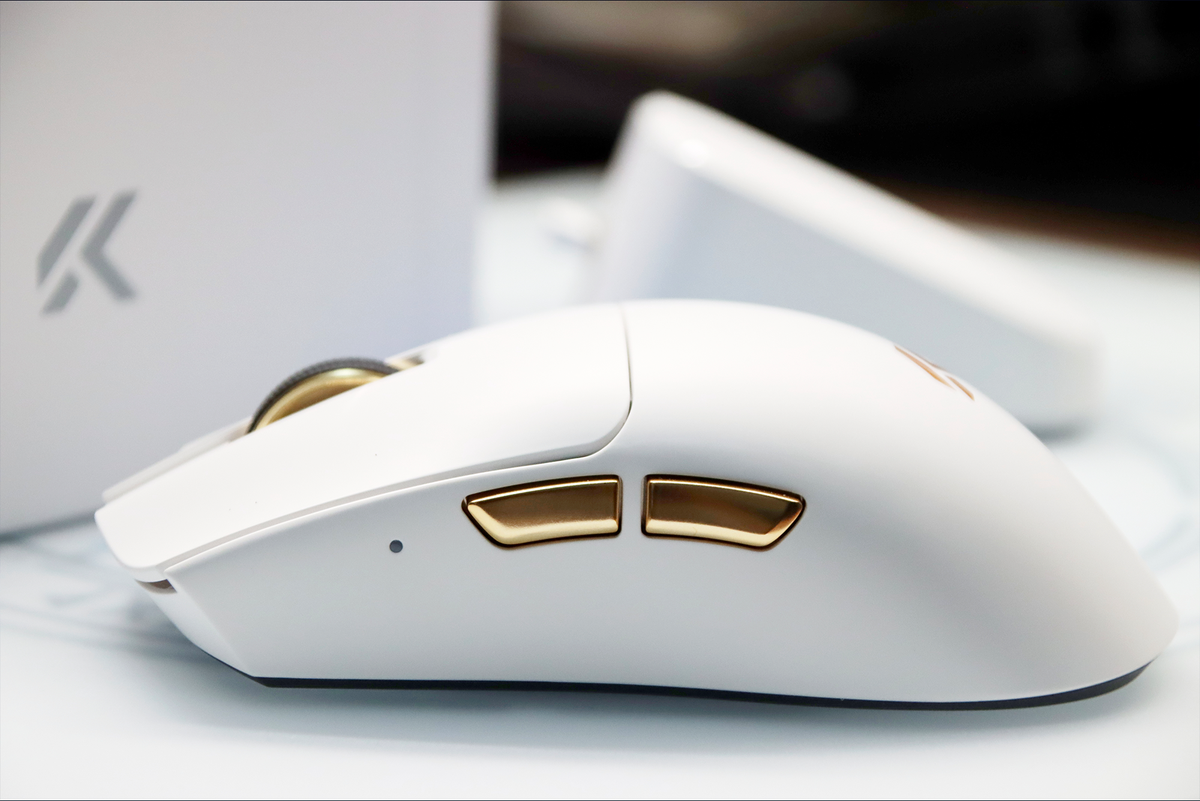
| Side Buttons | Electroplated Side Buttons | |
| Scroll Wheel | Aluminum Alloy Scroll Wheel + TTC Gold Encoder | |
| PCB | Immersion Gold PCB | |
| Coating | Super Glide Glass-Like Coating 2.0 | |
| Battery | 500 mAh | |
| Charging | Magnetic RGB Charging Dock | |
| Receiver | 8K Nano Receiver | |
| Connectivity | Tri-Mode (Wired / 2.4 GHz Wireless / BT) | |
| Software | M HUB (Web & Desktop) | |
Specifications are based on MCHOSE product information. Maximum performance settings depend on device configuration and software.
PAW3950 vs PAW3955 TI: What's the Difference?
The sensor is one of the most important differences between the K7 V2 Pro+ and K7 V2 Ultra+. Both are designed for competitive gaming, but their maximum specifications and adjustment options differ.
K7 V2 Pro+ — PAW3950
42,000 DPI maximum resolution
50G maximum acceleration
3 LOD adjustment levels
A capable sensor platform with practical customization.
K7 V2 Ultra+ — PAW3955 TI
50,000 DPI maximum resolution
60G maximum acceleration
5 LOD adjustment levels
Higher specification headroom and more LOD adjustment options.
The Ultra+ offers higher maximum DPI and acceleration specifications. However, a higher DPI number does not automatically mean better aim or greater accuracy. Your preferred sensitivity, mouse control, hand movement, and gaming habits remain important.
What Is LOD and Why Does It Matter?
LOD stands for Lift-Off Distance. It refers to the height at which the sensor stops tracking movement after you lift the mouse away from your mousepad or desktop surface.
A lower LOD setting means the sensor stops tracking at a shorter lifting distance. This can help reduce unwanted cursor movement when repositioning the mouse during gameplay.
Different LOD Options
| Sensor | Adjustment Levels | Available LOD Settings |
|---|---|---|
| PAW3955 TI | 5 Levels | 0.7 / 0.9 / 1.2 / 1.4 / 1.7 mm |
| PAW3950 | 3 Levels | 0.7 / 1 / 2 mm |
| PAW3395 | 2 Levels | 1 / 2 mm |
| PAW3311 | Fixed | 1 mm |
The K7 V2 Pro+ provides three LOD options, while the K7 V2 Ultra+ provides five. The Ultra+ therefore offers more flexibility when adjusting the sensor to different lifting habits and surfaces.
Different Finishes. Different Personalities.
Both K7 V2 versions share the same overall ergonomic design and core construction features. Their exterior finishes and color options provide different visual identities.
Shared Design Features
- Electroplated side buttons on both versions.
- Aluminum alloy scroll wheel on both versions.
- Immersion gold PCB.
- Super Glide Glass-Like Coating 2.0.
- 59 ± 2 g lightweight construction.
- Ergonomic design recommended for medium-to-large hands.
K7 V2 Pro+ — Classic Finishes
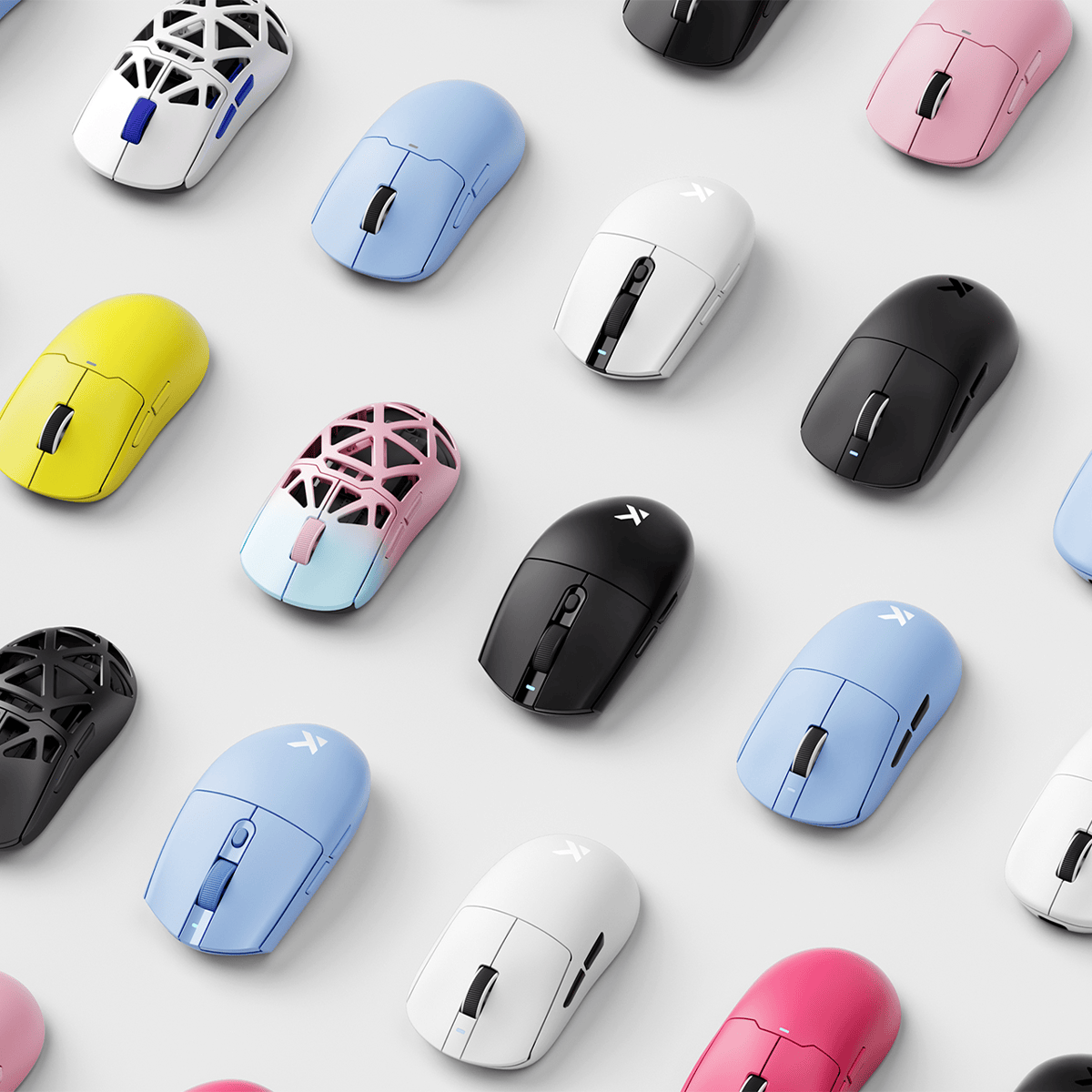
The Pro+ comes in Black and White. Its appearance focuses on a clean, understated style that fits naturally into different gaming and desktop setups.
K7 V2 Ultra+ — Premium Metallic Finishes
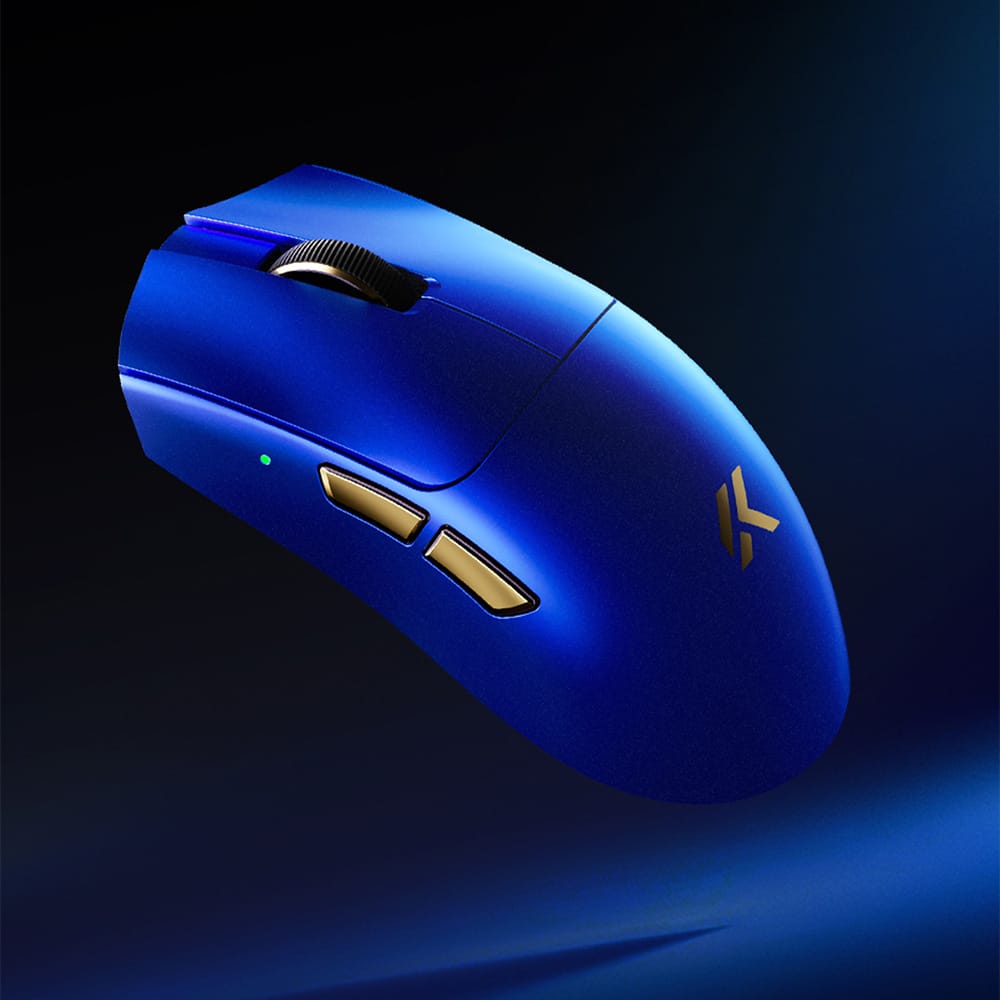
The Ultra+ offers Black Gold, White Gold, and Blue Gold. These finishes give the mouse a more distinctive metallic appearance for users who want additional visual character in their setup.
What Both Versions Have in Common
Despite their differences, the K7 V2 Pro+ and Ultra+ share the same core platform and many of the features that matter in everyday gaming.
8K Polling Rate
Both versions support up to 8,000 Hz polling in wired and 2.4 GHz wireless modes. This allows the mouse to report movement and button inputs at a high frequency.
MCHOSE TOPSPEED Wireless 2.0
Both models use MCHOSE TOPSPEED Wireless 2.0 technology for wireless gaming performance.
Omron Mechanical Switches
Both versions use Omron mechanical switches rated for 100 million clicks, providing a consistent foundation for repeated inputs.
Magnetic RGB Charging Dock
Both models include a magnetic RGB charging dock and an 8K Nano Receiver. The magnetic charging design makes it convenient to return the mouse to its charging position between gaming sessions.
Tri-Mode Connectivity
Both versions support three connection modes:
- Wired USB connection
- 2.4 GHz wireless connection
- BT connection
M HUB Customization
Both mice support M HUB Web and Desktop software. Users can customize DPI stages, button assignments, polling rate, performance settings, and other supported device functions.
Which K7 V2 Should You Choose?
The best choice depends on which features matter most to you. The Ultra+ offers higher sensor specifications and additional LOD options, while the Pro+ already shares the core platform, 8K polling, wireless technology, and charging experience.
Choose K7 V2 Pro+ if you:
- Are satisfied with the PAW3950 sensor specifications.
- Do not need a maximum DPI above 42,000.
- Prefer three straightforward LOD adjustment options.
- Prefer the Black or White color options.
- Want the shared 8K wired and wireless experience.
Choose K7 V2 Ultra+ if you:
- Want the PAW3955 TI sensor.
- Prefer a higher maximum DPI of 50,000.
- Want the higher 60G acceleration specification.
- Value five LOD adjustment levels.
- Prefer the Black Gold, White Gold, or Blue Gold finishes.
Check the Configuration Before Ordering
Before placing your order, make sure you have selected the correct version and color.
- Confirm whether you want K7 V2 Pro+ or K7 V2 Ultra+.
- Check the selected color and product configuration.
- Compare the current price of your selected variant.
- Check the included charging dock and receiver.
- Review shipping costs, taxes, and delivery conditions for your region.
Find Your K7 V2
Compare the available versions, explore the color options, and find the K7 V2 configuration that fits your setup.
Explore K7 V2 SeriesK7 V2 Pro+ vs Ultra+ FAQ
What is the main difference between K7 V2 Pro+ and Ultra+?
The main differences are the sensor, maximum DPI, acceleration, LOD adjustment options, and exterior finishes. The Pro+ uses PAW3950 with up to 42,000 DPI, while the Ultra+ uses PAW3955 TI with up to 50,000 DPI.
Does the K7 V2 Ultra+ have better sensor specifications?
The Ultra+ has a higher maximum DPI of 50,000 and a maximum acceleration specification of 60G, compared with 42,000 DPI and 50G on the Pro+. It also offers five LOD settings instead of three.
Do both K7 V2 versions support 8K polling?
Yes. Both K7 V2 Pro+ and K7 V2 Ultra+ support up to 8,000 Hz polling in wired and 2.4 GHz wireless modes.
What are the LOD settings on the K7 V2 series?
The PAW3950 version provides three settings: 0.7 mm, 1 mm, and 2 mm. The PAW3955 TI version provides five settings: 0.7 mm, 0.9 mm, 1.2 mm, 1.4 mm, and 1.7 mm.
Do both versions include a magnetic charging dock?
Yes. Both versions include a magnetic RGB charging dock and an 8K Nano Receiver.
Do both versions have electroplated side buttons and an aluminum alloy scroll wheel?
Yes. Both K7 V2 Pro+ and Ultra+ feature electroplated side buttons and an aluminum alloy scroll wheel.
Can I customize the K7 V2 through M HUB?
Yes. Both versions support M HUB Web and Desktop software. The driver can be used in wired or 2.4 GHz wireless mode to adjust supported settings.
Is a higher DPI always better for gaming?
No. Maximum DPI describes the sensor's resolution range, not automatic aiming accuracy. Your preferred sensitivity, control, and gaming habits are more important when choosing a practical DPI setting.
Learn More About the K7 V2 Series
Want to learn more about the Ultra+ sensor platform, gaming experience, and design?
Ready to Find Your Match?
Explore the MCHOSE K7 V2 Series and choose the version that matches your performance needs and desktop style.
Shop K7 V2 Series