


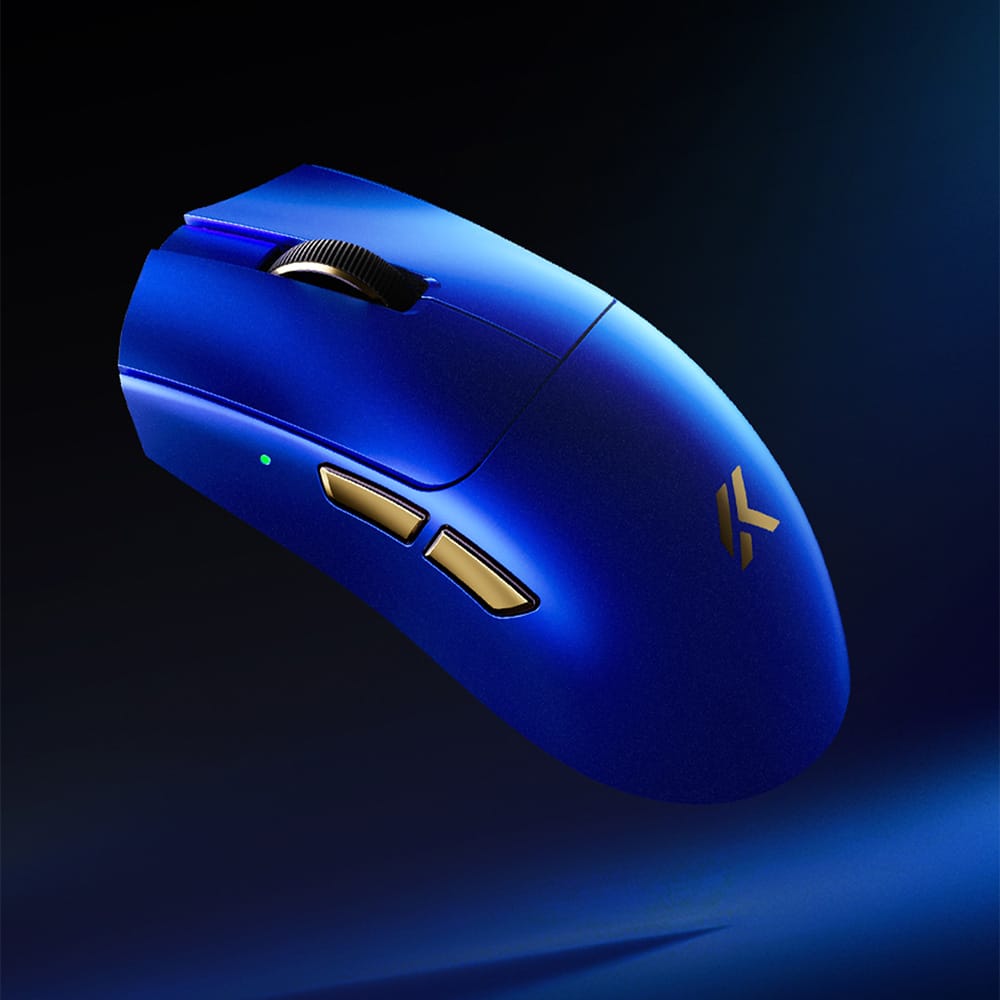
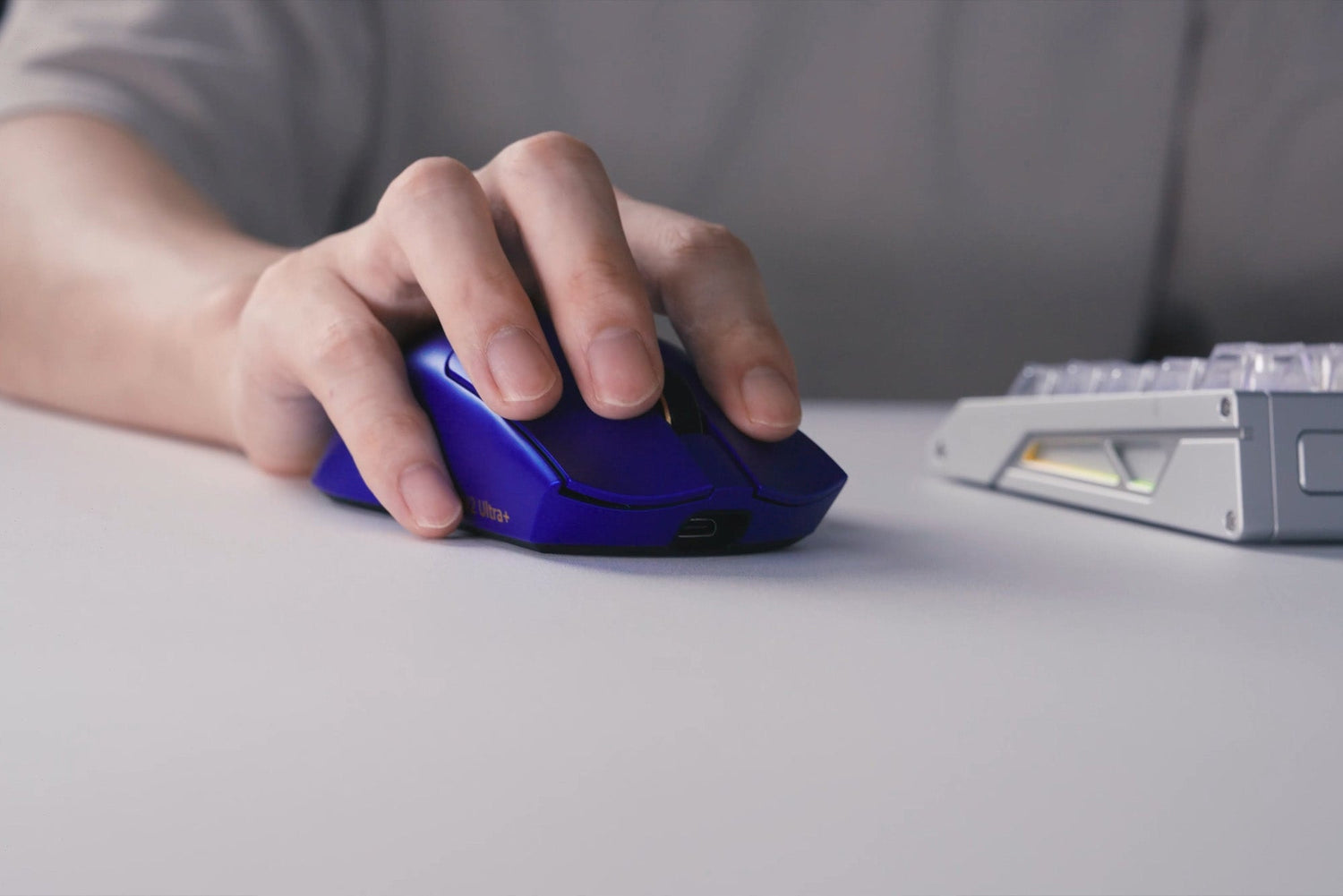
The MCHOSE K7 V2 Ultra+ is a flagship ergonomic wireless gaming mouse built for competitive players who want precise tracking, stable wireless performance, and convenient everyday charging in one complete package.
This review covers its design, gaming performance, wireless experience, charging dock, software, creator impressions, and community feedback.
Quick Verdict
The K7 V2 Ultra+ delivers a balanced flagship experience rather than chasing a single headline specification. Its ergonomic shape supports controlled movement, while the upgraded sensor platform, high polling capability, and magnetic dock make it well suited to both competitive play and daily use.
Key Specifications
| Model | MCHOSE K7 V2 Ultra+ |
|---|---|
| Shape / Hand Size | Ergonomic / Medium to large hands |
| Dimensions / Weight | 127.3 × 63.8 × 39.9 mm / Approx. 59 g |
| Sensor | PAW3955 TI |
| Sensor Performance | Up to 50,000 DPI / 750 IPS / 60G acceleration |
| Polling Rate | Up to 8,000 Hz in wired and 2.4GHz wireless modes |
| MCU / Wireless | Nordic 54L15 / MCHOSE TOPSPEED Wireless 2.0 |
| Main Switches | Omron mechanical switches, rated for 100 million clicks |
| Wheel Encoder | TTC Gold |
| Battery | 500mAh |
| Connectivity | Wired USB / 2.4GHz wireless / BT |
| Charging | Magnetic RGB charging dock |
| Software | M HUB Web Driver / Desktop App |
| Surface | Super Glide Glass-Like Coating 2.0 |
Design and Build Quality
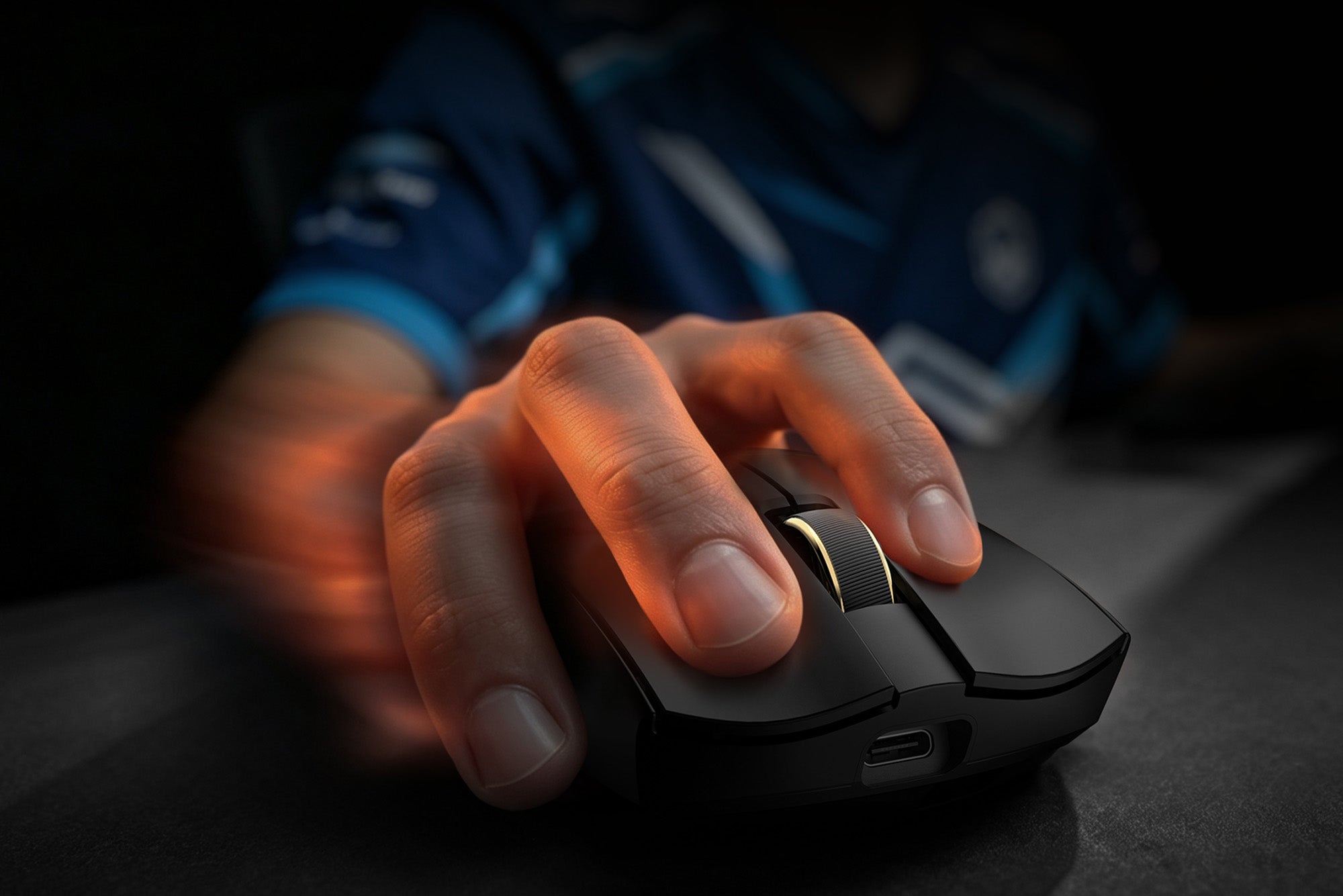
The K7 V2 Ultra+ features a symmetrical gaming shape with a rear-positioned hump, providing extra palm support without restricting movement. It is primarily designed for medium-to-large hands, delivering a secure and familiar feel for both controlled tracking and fast-paced gameplay.
Its well-balanced, versatile profile makes it a safe and widely approachable gaming shape. Combined with the 59 g-class body, it offers a lightweight yet stable feel for extended gaming sessions.
The Super Glide Glass-Like Coating 2.0 gives the shell a smooth finish while helping maintain a reliable grip during extended use. This design favors comfort and control over extreme weight reduction.
Sensor and Gaming Performance
The PAW3955 TI sensor provides the performance headroom expected from a flagship gaming mouse. More importantly, the complete implementation is designed to remain consistent during fast flicks, rapid direction changes, micro-adjustments, and low-sensitivity aiming.
Glass Mode expands surface compatibility, while Extreme Mode raises the sensor engine speed to more than 20,000 FPS for players who prioritize maximum responsiveness.
Wireless and 8K Polling Performance
TOPSPEED Wireless 2.0 works with all-zone anti-interference technology to maintain a stable connection in environments with multiple wireless devices. The goal is consistent tracking and input response throughout a match, not just low theoretical latency.
Up to 8,000 Hz polling is available in both wired and 2.4GHz wireless modes. This allows the mouse to report movement more frequently and can produce smoother cursor updates on high-refresh-rate systems.
Battery and Magnetic RGB Charging Dock
The 500mAh battery supports wireless use, while the magnetic RGB dock makes charging easier between sessions. Placing the mouse on the dock keeps it charged, organized, and ready for the next match without repeatedly connecting a cable.
The dock also acts as a coordinated desktop accessory, adding RGB lighting without changing the mouse itself into a heavily illuminated design.
M HUB Software and Customization
M HUB is available as a web driver and desktop app. It allows users to adjust DPI stages, polling rate, button assignments, macros, and performance options for different games or workflows.
Competitive users can create more aggressive performance settings, while everyday users can select lower polling rates and simpler button configurations for a more efficient daily profile.
Featured Creator Reviews
These creator videos offer additional perspectives on shape, sensor behavior, competitive performance, build quality, and the charging dock.
MCHOSE K7 V2 Ultra Mouse Review
@Hyecross
A look at the familiar ergonomic shape and the upgraded sensor, MCU, and wireless platform.
CS2 Competitive Test
A week-long CS2 test focused on tracking consistency, connection stability, and in-game performance.
Probé el nuevo MCHOSE K7 V2 ULTRA+
@t0my
An assessment of comfort, weight, build quality, and suitability for competitive gaming.
UNBOXING MCHOSE K7 V2 ULTRA+
@MeadleeReviews
A closer look at the mouse, included accessories, finish, and out-of-box experience.
MCHOSE Is Back? K7 V2 Ultra Unboxing and First
@dazztrazak
The K7 V2 brings a new generation upgrade with a refreshed design and new features.
What Real Users Are Saying
Community feedback most often highlights the comfortable ergonomic shape, improved click feel, stable wireless performance, smooth coating, and convenient charging dock.
“The build quality is perfect... The clicks feel lighter, have higher tension and a more solid feeling with very small pre- and post-travel.”
Users also note that real performance and battery life depend on the full implementation—including firmware, wireless tuning, polling rate, and hardware integration—rather than the sensor specification alone.
Pros and Cons
Pros
- Precise flagship sensor platform
- Wired and wireless 8K polling
- Stable TOPSPEED Wireless 2.0 connection
- Comfortable 59 g-class ergonomic design
- Durable Omron switches and TTC Gold encoder
- Convenient magnetic RGB charging dock
- Flexible M HUB customization
Cons
- May feel large for smaller hands
- Advanced settings take time to tune
- 8K benefits depend on the complete system
- Flagship features may be unnecessary for casual users
Who Should Buy the K7 V2 Ultra+?
Recommended for
- Competitive FPS players
- Medium-to-large hand sizes
- Users seeking wireless 8K performance
- Players who value ergonomic support
- Clean setups that benefit from dock charging
Less suitable for
- Users who prefer compact symmetrical mice
- Small-hand users seeking a narrow shell
- Office-only users who do not need gaming features
- Anyone wanting only basic plug-and-play controls
Final Verdict
The MCHOSE K7 V2 Ultra+ is a strong choice for players who want flagship wireless performance without giving up ergonomic comfort or everyday convenience. Its value comes from how the sensor, wireless platform, polling options, switches, software, and magnetic charging dock work together as one system.
It is especially compelling for competitive FPS players with medium to large hands. Smaller-hand users and casual buyers should consider whether the shell size and advanced feature set match their needs before choosing it.
FAQ
Is the PAW3955 TI much better than previous flagship sensors?
It offers additional performance headroom and tuning flexibility, but the difference in real use also depends on firmware, wireless implementation, shape, and personal sensitivity settings.
Will the K7 V2 Ultra+ improve my aim?
No mouse can improve aim automatically. The K7 V2 Ultra+ provides a precise and stable platform, while shape fit, sensitivity, technique, and practice remain the most important factors.
Does 8K polling work in wireless mode?
Yes. The K7 V2 Ultra+ supports up to 8,000 Hz polling in both wired and 2.4GHz wireless modes. Actual results depend on system performance and game support.
Does the sensor automatically improve battery life?
Battery life depends on the entire system, including polling rate, sensor and MCU efficiency, firmware, wireless conditions, RGB use, and battery capacity.
Can I use the mouse without installing desktop software?
Yes. M HUB is also available as a web driver for supported browsers, while the desktop app provides another way to manage settings.
Ready to Upgrade Your Setup?
Explore the MCHOSE K7 V2 Ultra+ and choose the configuration that fits your setup.
Shop K7 V2 Ultra+