

Understanding the Evolution of Flagship Gaming Mouse Sensors
In the debate of PAW3955 vs PAW3950, sensor tech hits new heights. The PixArt PAW3950 has set the standard for every modern gaming mouse today.
As the PAW3950 sensor became the industry flagship, gamers asked if an upgrade is truly needed. We look at tracking, speed, and real-world gaming feel.
On paper, these two sensors share many traits. Both deliver elite tracking and support high polling rates. They exceed the needs of most competitive users.
The PAW3955 is an evolution, not a replacement. It offers more tuning flexibility and performance headroom. This gives developers new design possibilities.
PAW3955 vs PAW3950: Key Differences
Specifications depend on product implementation. These figures represent the standard capabilities found within each flagship gaming sensor platform.
| Feature | PAW3950 | PAW3955 |
|---|---|---|
| Sensor Category | Flagship Sensor Platform | Refined Flagship Sensor Platform |
| Maximum DPI | Up to 42,000 DPI* | Up to 50,000 DPI* |
| Maximum Acceleration | 50G | 60G |
| Polling Rate Support | Up to 8K | Up to 8K |
| DPI Adjustment | Typical increments | Finer adjustment steps |
| LOD Adjustment | Supported | Enhanced tuning flexibility |
| Glass Tracking | Supported | Supported |
*Specs vary based on firmware and manufacturer tuning. A PixArt PAW3950 remains very efficient. The PAW3950 sensor ensures high-end gaming accuracy.
A Comparison of PAW3955 vs PAW3950 Features
Both models support high-speed polling for smooth tracking. The PAW3955 gives manufacturers more control. This allows for better overall system balance.
Response times are optimized during fast hand movements. Competitive players using high refresh monitors may notice these subtle tracking refinements.
A major distinction in the hardware debate is control. The newer sensor supports finer DPI increments. This helps professional mouse users every day.
While many gamers use 800 or 1600 DPI, pros need exact settings. The ability to tune DPI in 1-unit steps provides very high levels of personalization.
The PAW3955 increases maximum acceleration to 60G. While humans rarely reach this limit, headroom is valuable. The PAW3950 sensor stays at 50G limits.
Both units provide flawless tracking for rapid flicks. The increased limit ensures stability. This provides a margin of safety for future hardware gear.
Lift-Off Distance determines when tracking stops. The PAW3955 offers more flexibility for brands. It optimizes for specific mouse feet and surfaces.
This allows for a refined out-of-box experience. Players get consistent performance regardless of their preferred mousepad or desk surfaces and setup.
Can You Actually Feel the Difference?
In practice, these two specific sensor models will not feel like different chips. Both deliver accuracy. The PixArt PAW3950 is already perfect for 8K use.
The benefits of the PAW3955 are relevant for 1-DPI steps. Performance depends on the whole mouse. The MCU and firmware tuning are very vital factors.
Weight and shape impact your aim more than sensor specs. A PAW3950 sensor is a proven tool. It remains a top choice for most players and pro gamers.
What Does the Gaming Community Say?
In community talk about hardware options, players focus on usage. The fine DPI steps are a common point. Users enjoy setting precise custom values.
Experienced users note that battery life is influenced by the MCU. The PixArt PAW3950 is very stable. A well-tuned sensor provides a great foundation.
Why MCHOSE K7 V2 Ultra+ Uses PAW3955 TI
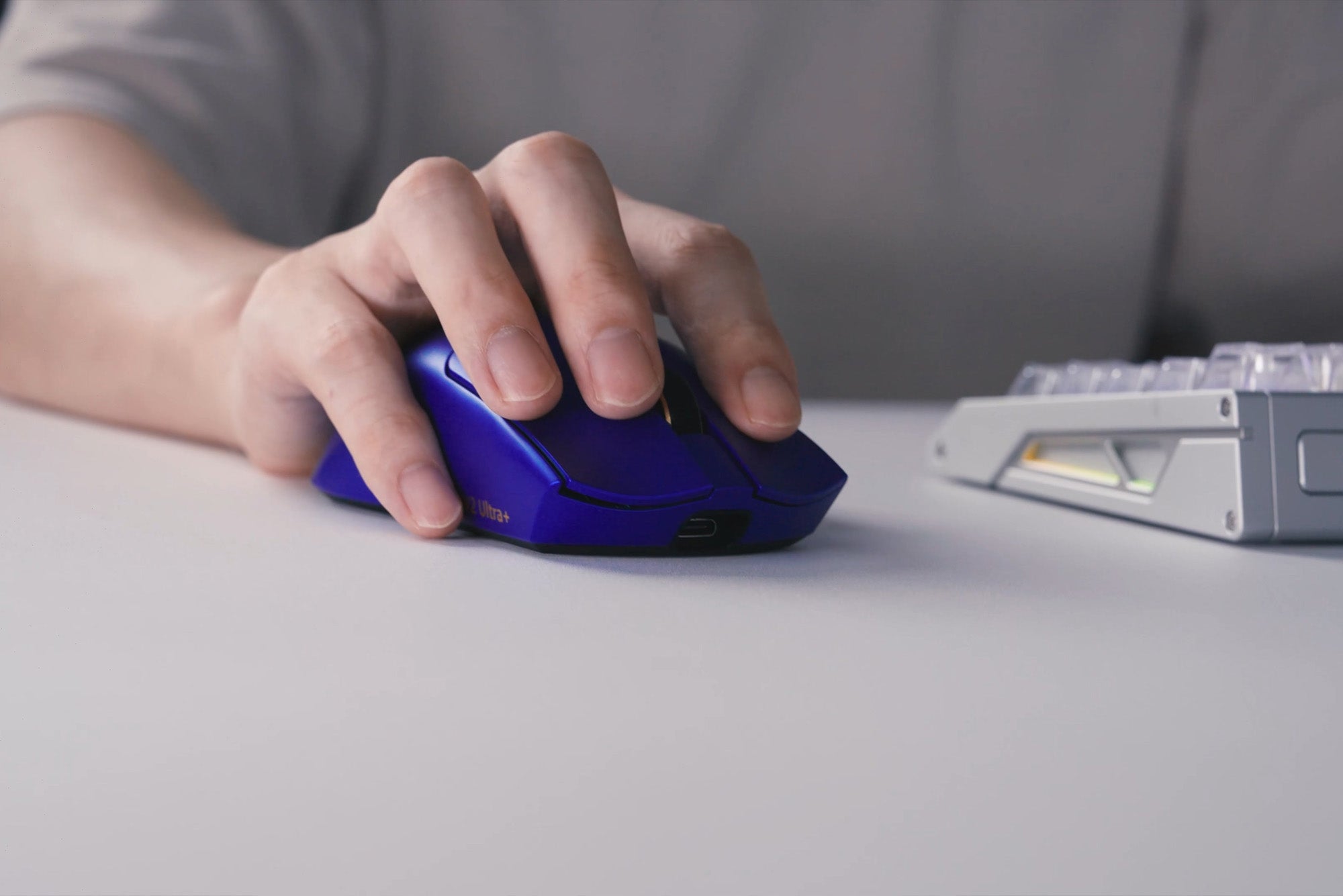
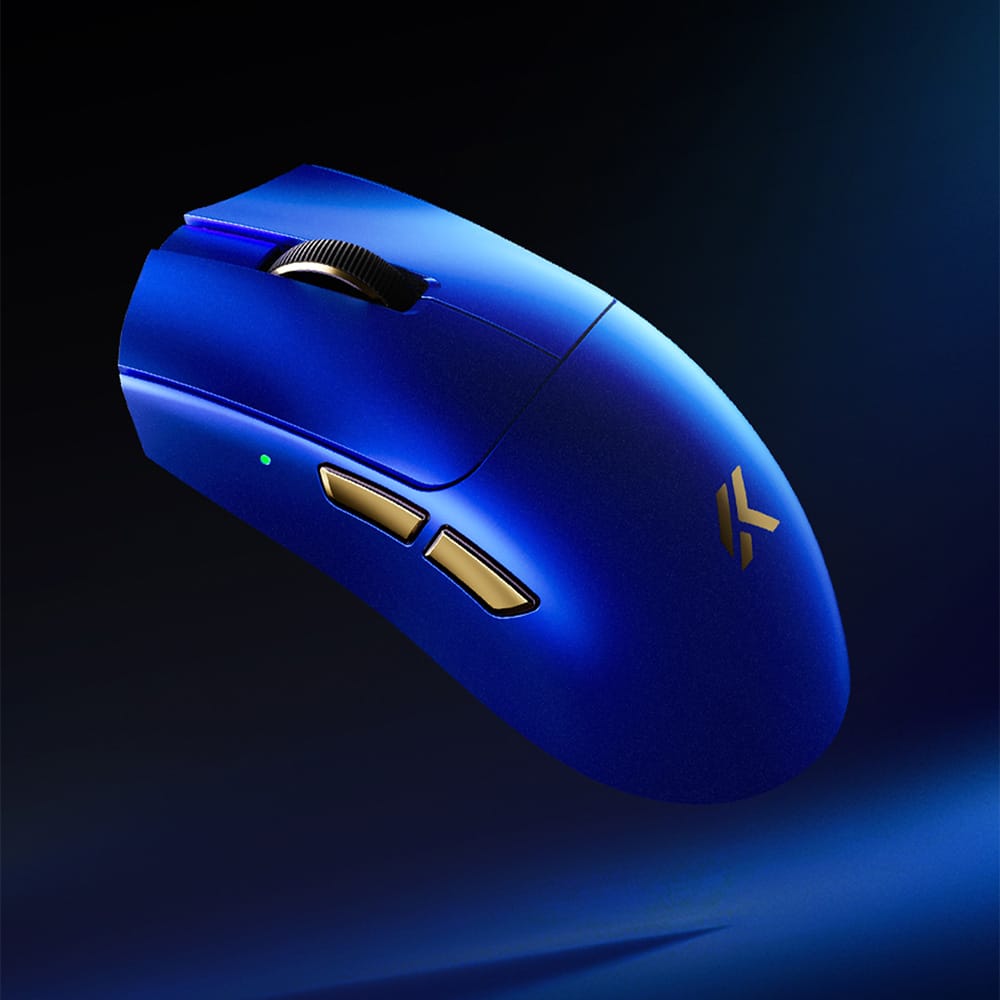
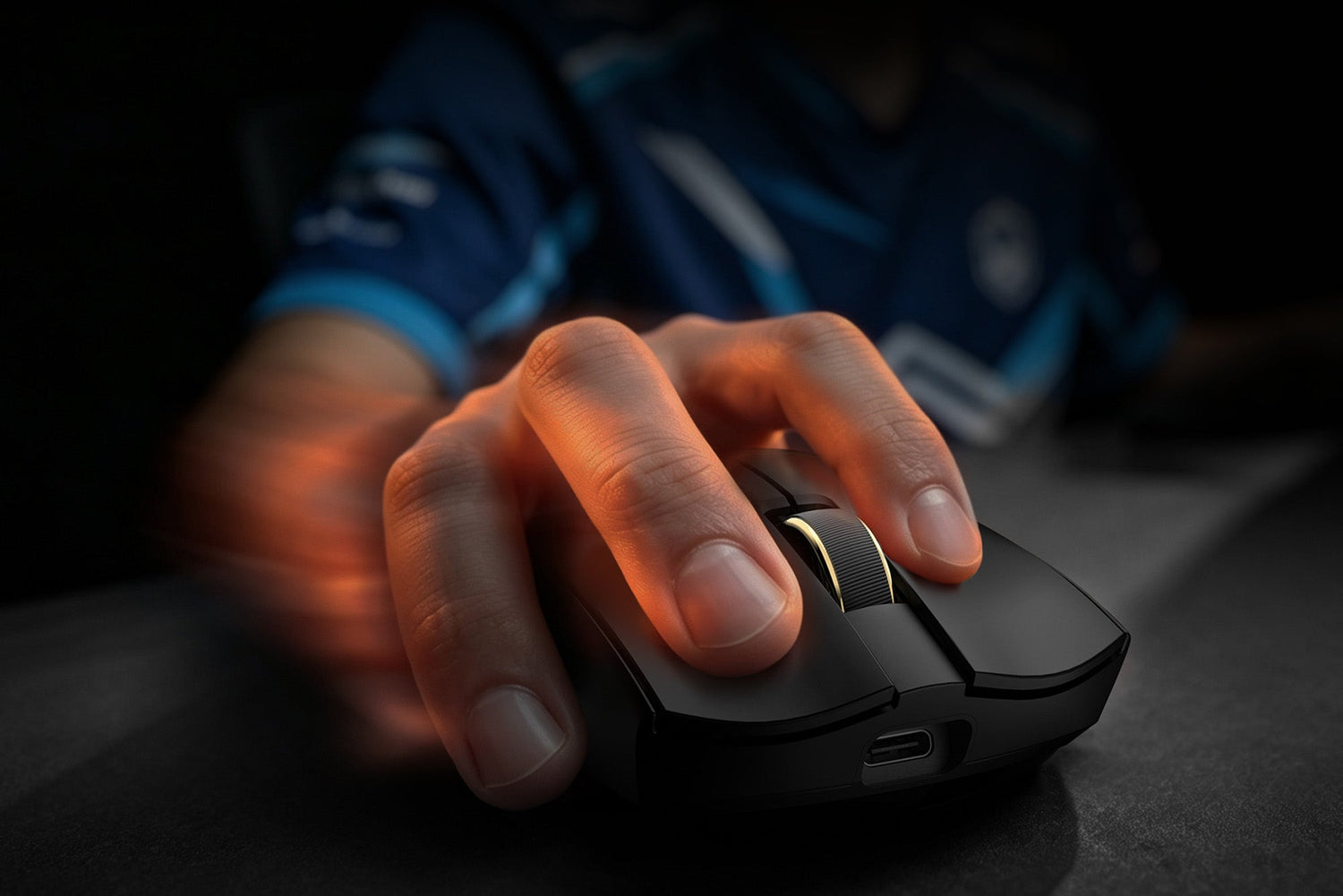
The MCHOSE K7 V2 Ultra+ utilizes the PAW3955 TI. This sensor is part of a flagship platform. MCHOSE focused on balancing every single internal part.
This ensures 50,000 DPI works with the wireless tech. The K7 V2 Ultra+ offers 750 IPS speed. It also features a dedicated mode for glass mouse pads.
The mouse combines the sensor with Nordic architecture. This provides stable processing. TOPSPEED Wireless 2.0 ensures steady gaming connections now.
Extreme Mode allows for high processing speeds. This ensures the sensor remains consistent. Real-time tracking stays smooth during fast mouse flicks.
Should You Choose PAW3955?
The specific sensor choice defines your setup. Choose PAW3955 if you want the latest tech. It is great for pros who need the absolute highest specs.
The PixArt PAW3950 is better for those who want value. It is a proven flagship choice. You do not always need 1-unit DPI steps for casual gaming play.
Final thoughts on these flagship units show both are elite. The upgrade focuses on tuning. It provides a foundation for the next generation of gear.
FAQ
What is the main difference between PAW3955 and PAW3950?
PAW3955 improves tuning flexibility, DPI adjustment capability, acceleration performance, and optimization potential while maintaining flagship-level tracking performance.
Will PAW3955 improve my aim?A sensor upgrade alone will not instantly improve aim. Mouse shape, weight, sensitivity settings, and practice remain important factors.
Is PAW3955 worth upgrading from PAW3950?For most users, the difference may be subtle. Competitive players using advanced setups may benefit more from the additional tuning flexibility.
Why does MCHOSE K7 V2 Ultra+ use PAW3955 TI?Because K7 V2 Ultra+ combines PAW3955 TI with Nordic 54L15 architecture, TOPSPEED Wireless 2.0, 8K polling, and complete system optimization to deliver a flagship wireless gaming experience.