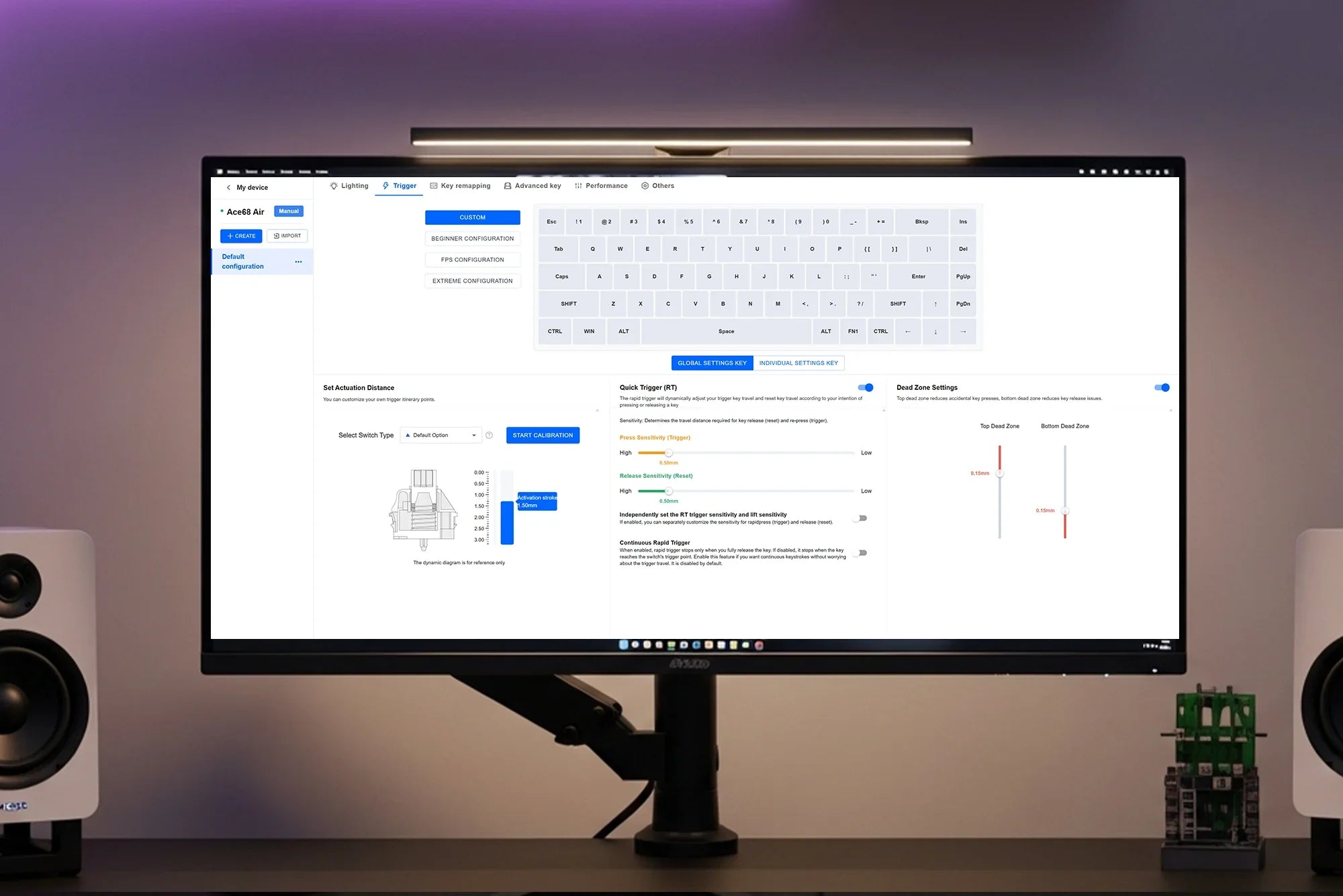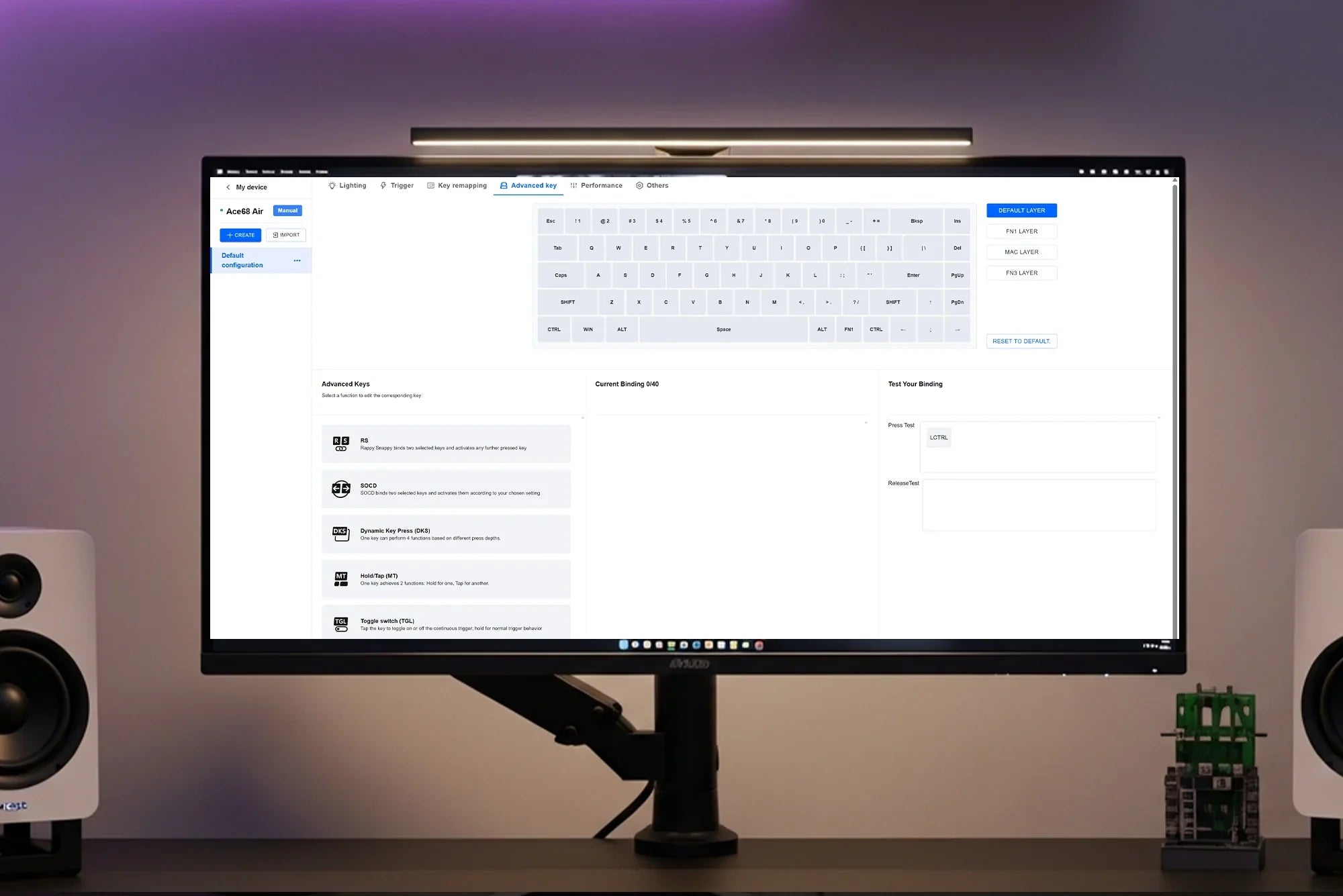


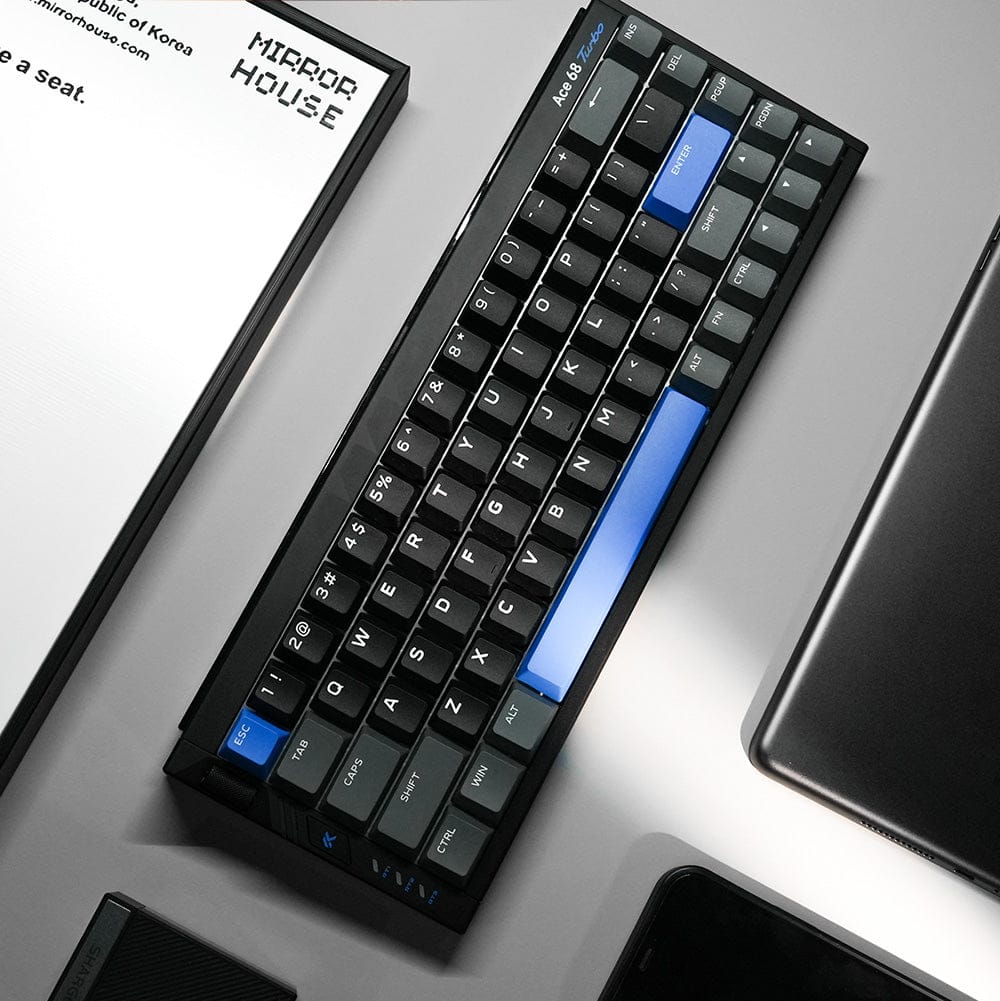
Boost your keyboard’s performance with optimized polling rate, scanning frequency, and power-saving configurations. Also includes tips for firmware updates and stability settings.
Polling Rate Settings
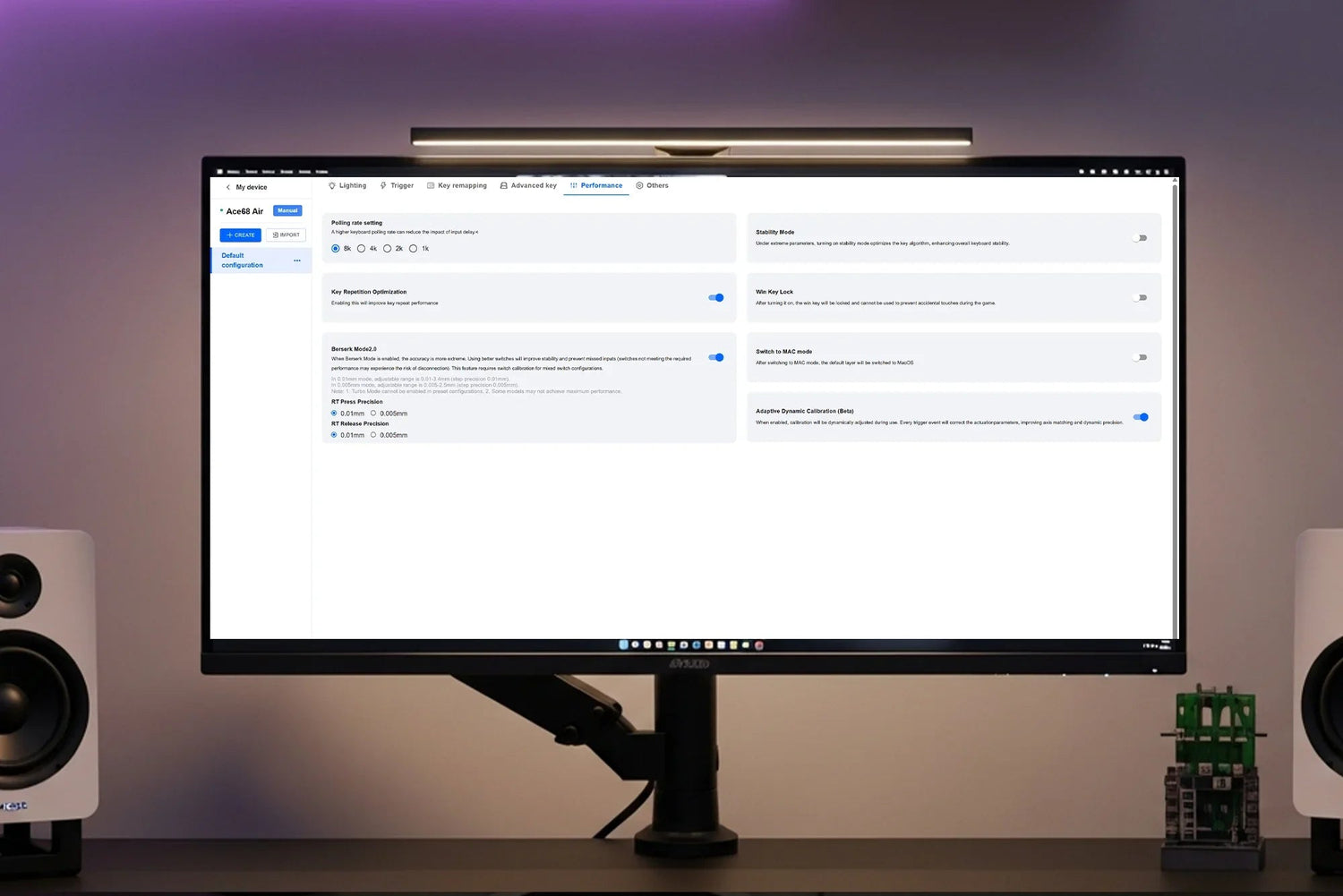
- Go to the Performance Settings tab to switch between 1K / 2K / 4K / 8K polling rates.
- The keyboard will auto-restart after applying the change.
Recommended settings:
- 4K for gaming
- 1K for office use
- 8K may cause system lag in some cases

Berserk Mode
- Unlocks minimum Rapid Trigger (RT) setting of 0.01mm
- Note: Not supported by some switches like Blue Ice switches
- Extreme settings may cause accidental triggers
- Recommended RT range for pro players: 0.04 – 0.1mm

Stability Mode
- Recommended when using extreme sensitivity settings
- Enhances algorithm stability to reduce missed key activations (drop-outs)

Adaptive Dynamic Calibration
- Always keep this enabled
- Automatically calibrates each keystroke for better accuracy
- After changing switches or during transport, perform manual calibration in the Trigger Settings

Key Repetition Optimization (Multi-Press Optimization)
- Prevents false key presses caused by physical vibrations
- Works best when used together with Stability Mode

Win Key Lock
- Use Fn + Win to quickly disable the Windows key to avoid accidental interruptions during gameplay
- Note: This feature does not work on macOS

Additional Notes
- For web-based drivers, use Chrome or Edge browsers for best performance


- Back up your settings before applying extreme values
- Restore to factory settings anytime by holding Fn + Space for 5 seconds
Explore More:
→ How to Adjust Trigger Sensitivity
→ Master Advanced Key Settings
→ Customize Key Mapping and Macros