


Best Magnetic Switch Keyboards for FPS Gaming: MCHOSE Full Comparison Guide
In competitive FPS games, keyboard input is not just about pressing a key. It affects how quickly you strafe, counter-strafe, stop before shooting, peek around corners, and repeat movement inputs during high-pressure fights.
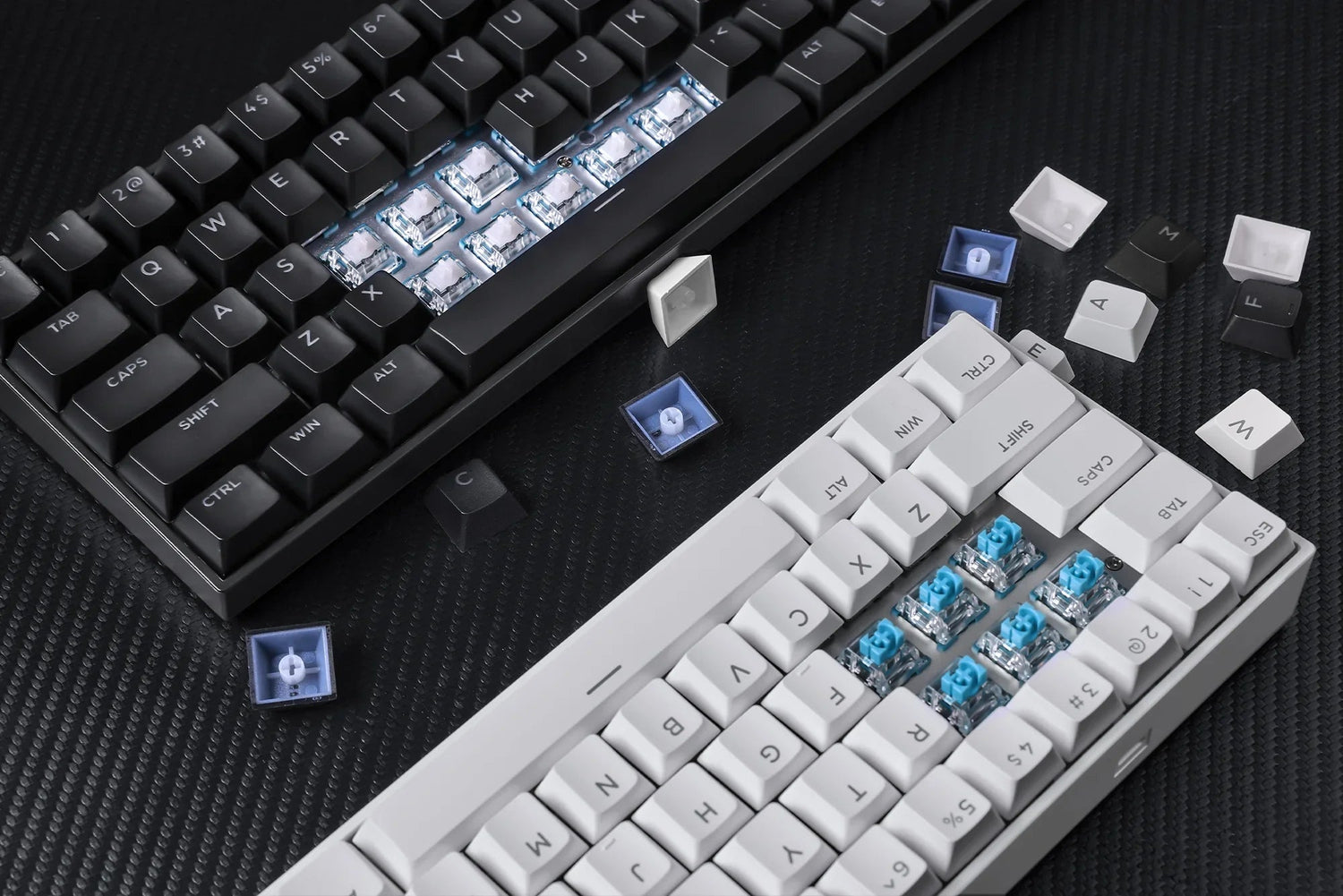
That is why magnetic switch keyboards have become popular among esports players. Compared with traditional mechanical keyboards, a magnetic switch keyboard gives players more control over actuation distance, reset behavior, and advanced key functions such as Rapid Trigger, SOCD, DKS, MT, TGL, and macros.
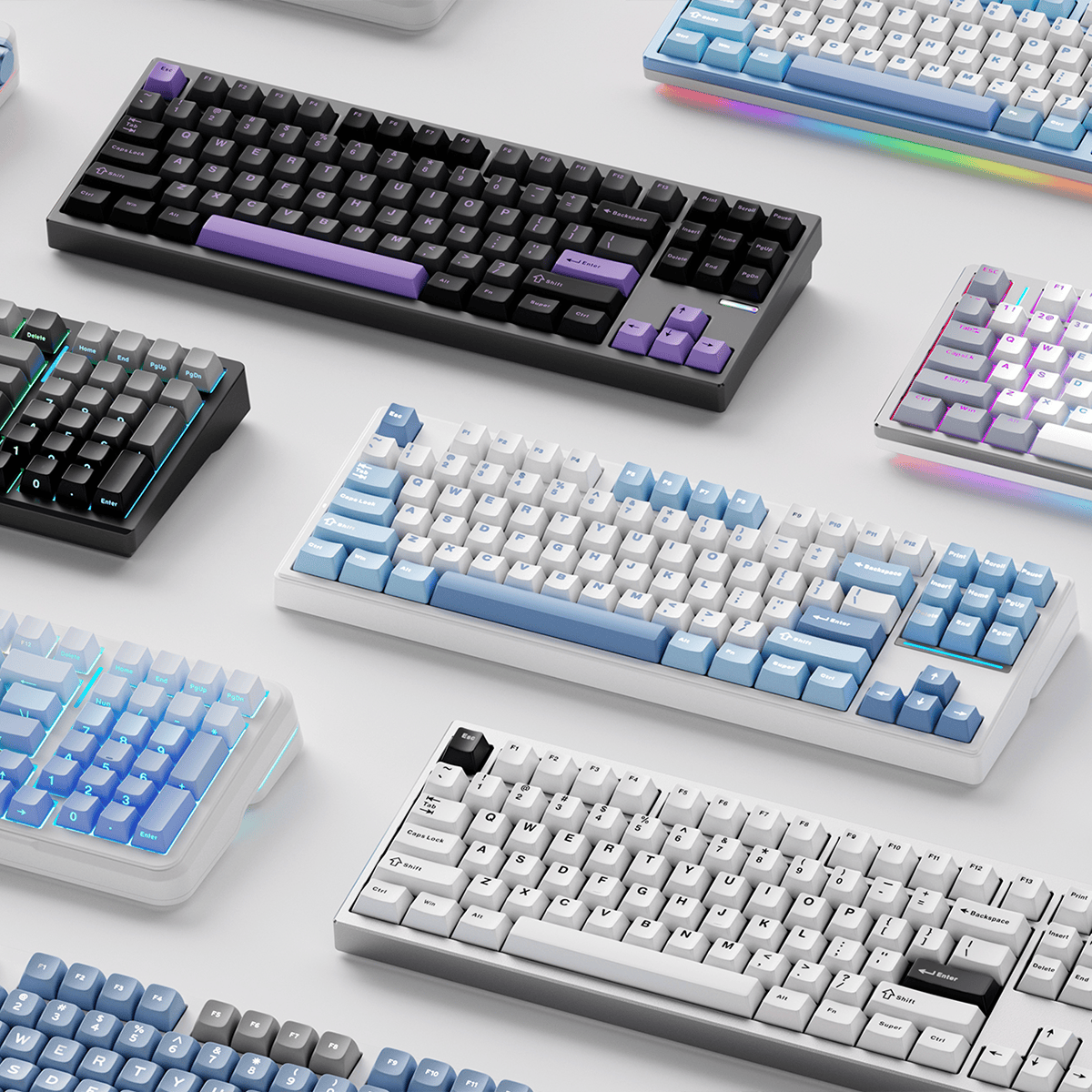
This guide compares the current MCHOSE magnetic switch keyboard lineup, including Ace 68 GT, Ace 68 Turbo, Ace 68, Ace 60, Jet 75, Mix 87, and Ace 68 Air, helping you choose the right model for your game style, layout preference, and setup.
What Is a Magnetic Switch Keyboard?
A magnetic switch keyboard uses Hall Effect sensing to detect how far a key is pressed. Unlike a traditional mechanical switch with a fixed actuation and reset point, a magnetic switch can be adjusted through software. You can learn more about the basic science behind the Hall effect.
For FPS players, this means you can set a shorter actuation distance for faster movement input, or use Rapid Trigger to make the key reset as soon as upward movement is detected. This is especially useful for movement-heavy games like Valorant, CS2, Apex Legends, Fortnite, Call of Duty, and Delta Force.
Why Magnetic Switch Keyboards Matter for FPS Gaming
In tactical shooters, timing matters. When you counter-strafe in CS2 or Valorant, the keyboard needs to register release and re-press actions cleanly. Rapid Trigger helps reduce the delay between key release and reactivation, making movement feel more direct.
In battle royale games, players often need fast directional switching, sliding, crouching, jumping, and quick weapon or ability inputs. A magnetic keyboard with adjustable actuation helps players tune the keyboard for different movement styles.
In short, magnetic switches are not only about speed. They are about giving players more control over how movement feels.
MCHOSE Magnetic Switch Keyboard Comparison
| Model | Layout | Size | Accuracy | Latency | RT Range | Scan Rate | Best Gaming Scenario |
|---|---|---|---|---|---|---|---|
| Ace 68 GT | 65% | 320 × 127.8 × 37.6 mm | 0.001mm | 0.06ms | 0.001–3.4mm | 256K | Flagship FPS, Valorant, CS2, Delta Force |
| Ace 68 Turbo | 65% | 324 × 119 × 38 mm | 0.001mm | 0.06–0.08ms | 0.001–3.4mm | 256K | Competitive FPS with strong value |
| Ace 68 | 65% | 320.1 × 115.8 × 39.2 mm | 0.005mm | 0.1ms | 0.005–3.4mm | 128K | Entry Hall Effect gaming |
| Ace 60 | 60% | 290 × 100 × 28 mm | 0.01mm | 0.1ms | 0.01–3.4mm | 128K | Maximum mouse space, minimalist FPS setup |
| Jet 75 | 75% | 322 × 136.9 × 40.7 mm | 0.005mm | 0.1ms | 0.005–3.4mm | 128K | Gaming and productivity |
| Mix 87 | 80% | 358.9 × 151.9 × 37.1 mm | 0.001–0.005mm | 0.08–0.125ms | Smart RT / 15-level | 128K / 256K | Larger layout, gaming and media control |
| Ace 68 Air | 65% | 314 × 116.5 × 34.6 mm | 0.001–0.005mm | 0.08–0.1ms | 0.001–3.4mm | 128K / 256K | RGB gaming setups, compact FPS desks |
Features & Design Differences
| Model | RGB Type | Switch Options | Key Features |
|---|---|---|---|
| Ace 60 Pro | North-facing RGB | TTC / Uranus / KTEK | Lightweight, ultra-portable |
| Ace 68 Series | South-facing RGB | Ice Rhino / Uranus / KTEK | Balanced esports performance |
| Ace 68 Air | North-facing RGB | Kailh Magnetic God / Mount Tai GT | Floating design + dynamic RGB |
| Ace 68 Turbo | South-facing RGB | Polaris / Gateron Jade Pro / Mount Tai GT | High-value performance + multiple configs |
| Ace 68 GT | North-facing ARGB | Mount Tai Pink GT | Flagship esports + premium build |
| Jet 75 Series | North-facing RGB | Starburst / Kailh Magnetic God | Adds F-row + arrows |
| Mix 87 Series | North-facing RGB | Apollo / Lightning | Knob + smart functions |
Best Overall for Competitive FPS: Ace 68 GT
The Ace 68 GT is the strongest choice for competitive FPS players who want flagship speed, premium build quality, and a more controlled typing sound.
It uses a 65% ANSI layout, full CNC aluminum body, Mount Tai Pink Magnetic Switch GT, New-Gen Hall Effect sensor, dual-core MCU, 16K polling rate, 256K scan rate, 0.06ms latency, and 0.001mm precision. For games like Valorant and CS2, this makes it especially suitable for counter-strafing, fast A-D movement, and repeated movement inputs.
The full aluminum case and carbon fiber plate also make it feel more stable during intense matches. If you play ranked FPS and want one keyboard that feels fast, solid, and premium, Ace 68 GT is the top recommendation.
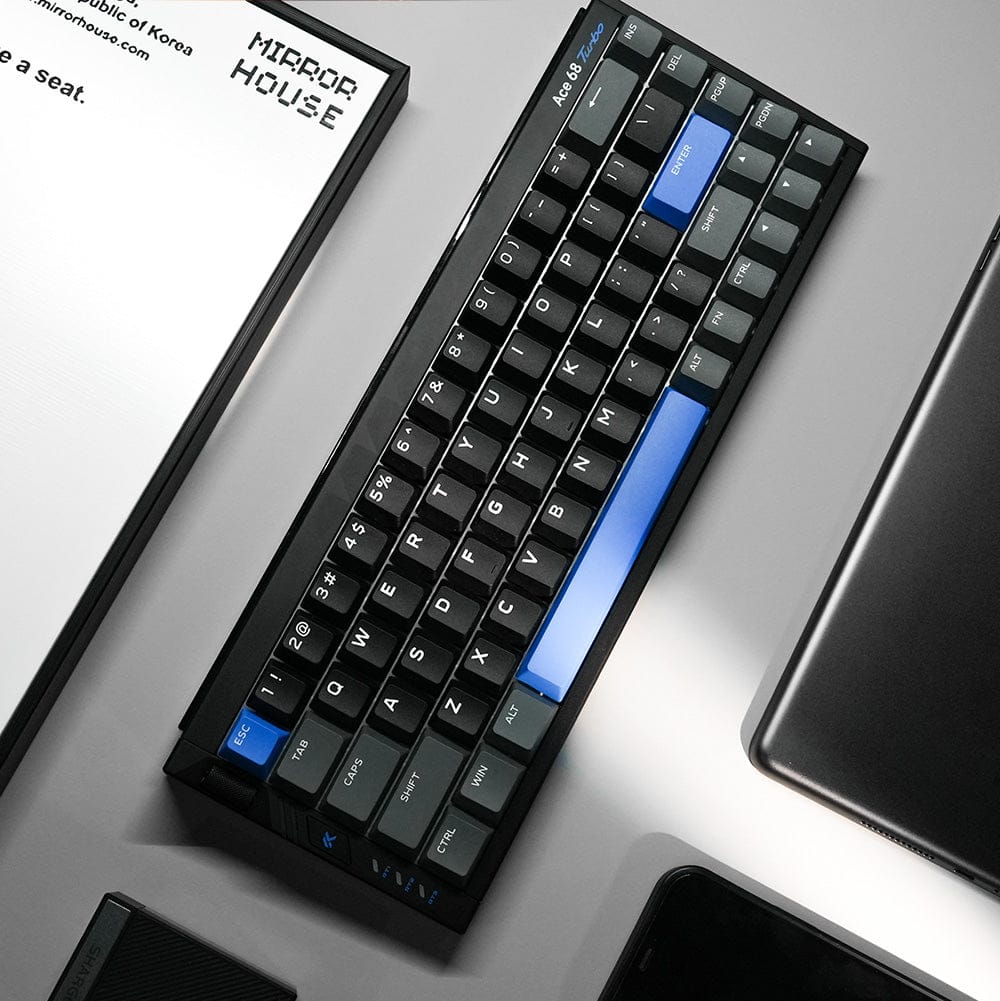
Best High-Performance Value: Ace 68 Turbo
The Ace 68 Turbo is designed for players who want strong esports performance with more switch and color options. It uses a full aluminum body, 65% ANSI layout, 256K scan rate, 0.001mm accuracy, 0.001–3.4mm RT range, and 0.1–3.4mm actuation range.
Depending on the version, it supports 8K or 16K polling and 0.08ms or 0.06ms latency. A major advantage is its independent physical RT mode switch, which supports three profiles. This is useful if you want one profile for FPS games, one for casual gaming, and one for daily typing.
For players who want strong FPS performance but also care about version choice and value, Ace 68 Turbo is one of the most practical options.
Best for Entry Hall Effect Gaming: Ace 68
The Ace 68 is a good starting point for users who want to try a magnetic switch keyboard without going directly to the flagship models.
Its 65% layout is friendly for FPS gaming because it saves space for mouse movement while keeping essential keys. It is suitable for players who want to experience adjustable actuation and Rapid Trigger in a more accessible model.
Best for Minimalist FPS Setups: Ace 60
The Ace 60 is designed for players who want maximum mouse space. A 60% layout removes extra keys and keeps the keyboard footprint small, which can be useful for low-sensitivity FPS players.
If you play with large mouse swipes, use a smaller desk, or prefer a clean competitive setup, Ace 60 is the most compact choice in the lineup.
Best for Gaming and Productivity: Jet 75
The Jet 75 is ideal for players who want magnetic switch performance but still need more daily-use keys. The 75% layout keeps the keyboard relatively compact while adding more practical keys for work, streaming, and content creation.
It is a better fit for users who play FPS games but also need one keyboard for typing, editing, chatting, and multitasking.
Best for Larger Layout and Control: Mix 87
The Mix 87 is the better choice for users who prefer a larger layout with more controls. Its 80% layout, knob, and smart function keys make it easier to handle daily tasks, media control, and gaming settings.
It is suitable for players who want magnetic switch performance but do not want to give up the convenience of a larger keyboard.
Best for RGB-Focused Compact Setups: Ace 68 Air
The Ace 68 Air is better for players who want Hall Effect performance in a more visual, setup-friendly design. Instead of being positioned as the most hardcore esports option, it is better suited for users who want a compact 65% keyboard that also looks clean, modern, and expressive on the desk.
Its floating design and dynamic RGB make it stand out in gaming setups, especially for players who care about desk aesthetics, lighting effects, and visual personality. It still offers magnetic switch performance for FPS gaming, but its strongest appeal is the balance between compact size, Hall Effect control, and setup style.
Choose Ace 68 Air if you want a magnetic switch keyboard for gaming, but also care about how the keyboard fits into your full RGB desk setup.
Compare More MCHOSE Hall Effect Keyboards
If you are comparing models for FPS gaming, start with the two core esports options: Ace 68 GT and Ace 68 Turbo. For different layout needs, compare Ace 68, Ace 60, Jet 75, and Mix 87. If your priority is RGB desk setup and visual style, take a closer look at Ace 68 Air.
Final Buying Recommendation
If you want the best overall magnetic switch keyboard for FPS gaming, choose Ace 68 GT. It combines 16K polling, 0.06ms latency, full aluminum construction, carbon fiber plate, 0.001mm precision, and advanced esports functions in one compact 65% keyboard.
If you want strong performance with more switch options and a better value position, Ace 68 Turbo is the more flexible choice. If you want an accessible magnetic switch keyboard for FPS gaming, Ace 68 is a good starting point. If you need maximum mouse space, Ace 60 is the most compact option.
For users who need more keys for work and multitasking, Jet 75 and Mix 87 are more practical. If you want RGB style and compact Hall Effect performance, Ace 68 Air is a good fit.
MCHOSE magnetic switch keyboards are built for different types of gamers, from minimalist FPS players to competitive esports users and hybrid work-gaming setups. The best model depends on how you play, how much desk space you need, and whether you prioritize speed, layout, RGB, sound, or premium materials.
Ready to Find Your Best FPS Keyboard?
Compare MCHOSE magnetic switch keyboards and choose the right model for your gaming style, layout preference, and setup.
Explore MCHOSE Magnetic Keyboards