


1. Introduction
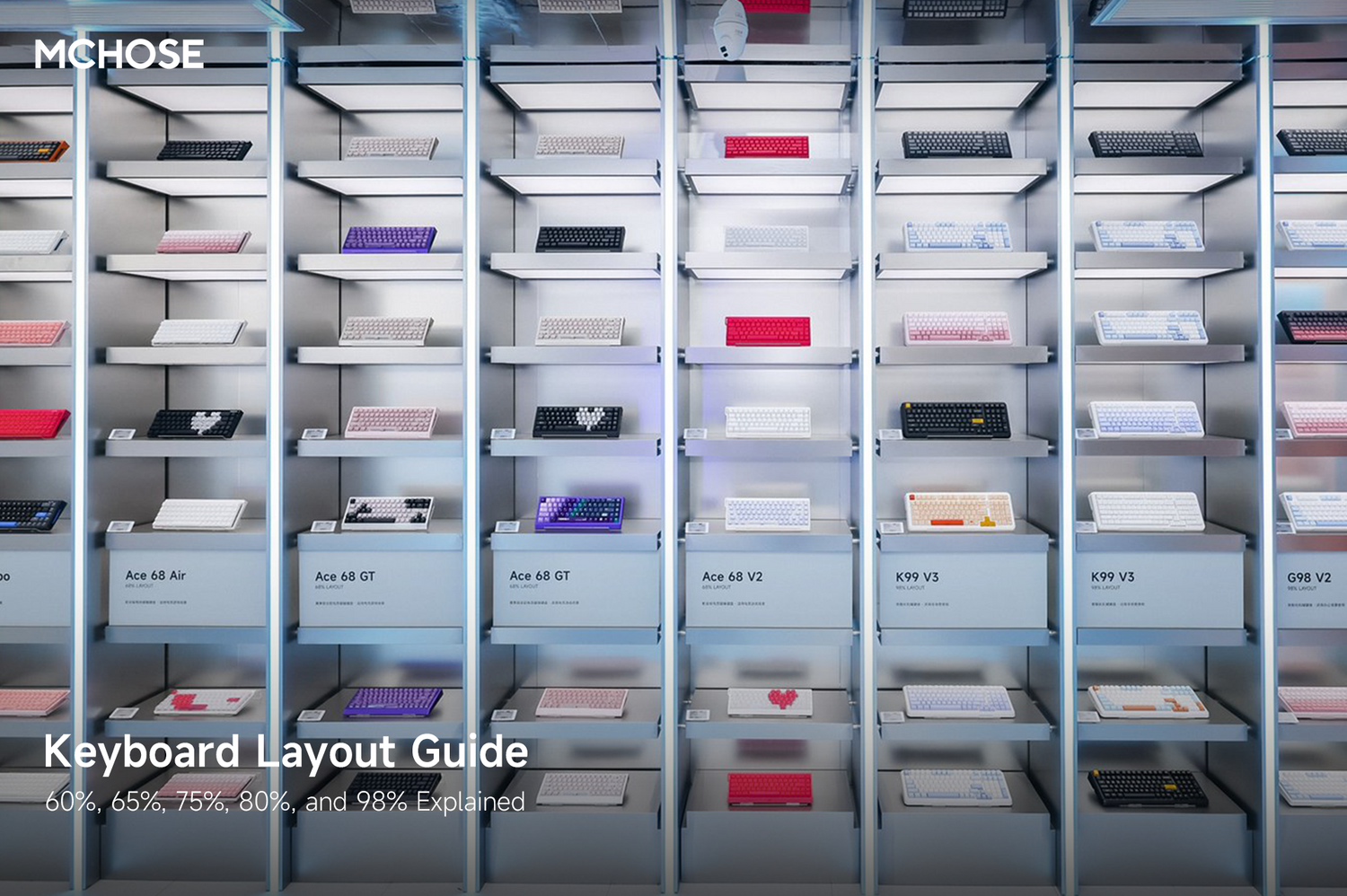
Choosing the right keyboard layout can make a big difference in your typing comfort, desk space, and gaming experience. From compact 60% keyboards to full-featured 98% layouts, each keyboard size is designed for different users and setups.
In this guide, we’ll explain the differences between common keyboard layouts, including 60%, 65%, 75%, 80%, and 98% keyboards, so you can choose the layout that best fits your needs.
2. What Is a Keyboard Layout?
A keyboard layout refers to the number and arrangement of keys on a keyboard. Some layouts remove the number pad, function row, or navigation keys to save space, while others keep more keys for productivity and convenience.
The right layout depends on how you use your keyboard, whether for gaming, office work, programming, typing, or a clean desk setup.
3. Common Keyboard Layouts Explained
60% Layout
A 60% keyboard is one of the most compact keyboard layouts. It usually keeps only the main typing area and removes the function row, arrow keys, navigation keys, and number pad.
This layout is popular among gamers and users who want more desk space for mouse movement.

Best for:
Gaming, compact setups, minimal desks, and users who do not rely heavily on arrow keys or function keys.
65% Layout
A 65% keyboard keeps a compact form factor while adding dedicated arrow keys and a few commonly used navigation keys.
Compared with a 60% keyboard, a 65% layout is easier to use for daily work because you don’t need shortcuts as often for arrow key functions.

Best for:
Users who want a compact keyboard but still need dedicated arrow keys for daily use, gaming, or productivity.
75% Layout
A 75% keyboard removes the number pad but keeps the function row, arrow keys, and several navigation keys. It provides a strong balance between compact size and functionality.
This layout is a good choice for users who want to save desk space without giving up too many keys.
Best for:
Work, gaming, programming, and users who want a compact keyboard with function keys.
80% Layout
An 80% keyboard, also known as a TKL / Tenkeyless keyboard, removes the number pad while keeping the function row, arrow keys, and navigation cluster.
It feels close to a traditional full-size keyboard but saves desk space by removing the numpad area.

Best for:
Users who want a familiar keyboard layout but do not need a number pad.
98% Layout
A 98% keyboard is a compact full-function layout. It usually keeps the number pad, function row, arrow keys, and most commonly used keys while reducing unused spacing.
This layout is ideal for users who want nearly full-size functionality in a more compact design.

Best for:
Office work, spreadsheets, productivity, and users who need a number pad but want a smaller keyboard than a traditional full-size layout.
4. Keyboard Layout Comparison Table
| Layout | Size | Number Pad | Arrow Keys | Function Row | Best For |
|---|---|---|---|---|---|
| 60% | Very compact | No | Usually no | No | Gaming, minimal setups |
| 65% | Compact | No | Yes | No | Compact daily use |
| 75% | Compact | No | Yes | Yes | Balanced use |
| 80% / TKL | Medium | No | Yes | Yes | Traditional feel without numpad |
| 98% | Compact full-function | Yes | Yes | Yes | Productivity and office work |
5. Keycap Size Compatibility
Different keyboard layouts may use different keycap sizes, especially for the right Shift key, spacebar, and some bottom-row keys. Before buying replacement keycaps, make sure the keycap set supports your keyboard layout.
| Layout | Left Shift | Right Shift | Spacebar |
|---|---|---|---|
| 60% Layout | 2.25U | 2.75U | 6.25U |
| 65% Layout | 2.25U | 1.75U | 6.25U |
| 75% Layout | 2.25U | 1.75U | 6.25U |
| 80% / TKL Layout | 2.25U | 2.75U | 6.25U |
| 98% Layout | 2.25U | 1.75U | 6.25U |
Note: Keycap sizes may vary by keyboard model. Always check the product page or keycap compatibility information before purchasing replacement keycaps.
6. What Does “U” Mean in Keycap Size?
“U” is a unit used to measure keycap width. A standard letter key is usually 1U. For example, a 2.25U Shift key is 2.25 times the width of a standard letter key.
Understanding “U” sizes helps you choose compatible replacement keycaps.
7. Which Keyboard Layout Should You Choose?
The best keyboard layout depends on your daily use:
Choose a 60% keyboard if you want the smallest layout and mainly use your keyboard for gaming or simple typing.
Choose a 65% keyboard if you want a compact keyboard but still need dedicated arrow keys.
Choose a 75% keyboard if you want a compact layout with function keys and strong daily usability.
Choose an 80% / TKL keyboard if you prefer a traditional layout but do not need a number pad.
Choose a 98% keyboard if you need a number pad for work, spreadsheets, or productivity tasks but still want a more compact design than a full-size keyboard.
8. Conclusion
There is no single best keyboard layout for everyone. A 60% keyboard is great for compact gaming setups, while 65% and 75% layouts offer more everyday convenience in a smaller size. If you prefer a traditional feel without a number pad, an 80% / TKL keyboard is a great choice. If you frequently use numbers, a 98% layout may be the best option.
Before choosing a keyboard, consider your desk space, typing habits, gaming needs, and whether you need arrow keys, function keys, or a number pad.